

Getting started
The five presets
A preset is a complete starting look: colours, fonts, layouts and a home page built for one kind of store. All five share the same sections and features, so you can mix ideas from any of them.
Choosing a preset
Pick the preset whose style is closest to yours, not necessarily the one that matches your products. A jewellery brand that wants a bold, graphic look might start from Tribe; a fashion label that wants calm and soft might start from Gather.
| Preset | Built for | Look | Highlights |
|---|---|---|---|
| Handsome | Skincare and beauty | Clean white with cobalt and bright collection colours | Build a routine bundle, shoppable videos, shop by concern, before and after |
| Karat | Jewellery and accessories | Warm ivory, gold accents, elegant serif headings | Shop the look hotspots, gift collections, editorial image layouts |
| Gather | Home and furniture | Soft linen tones with sage green | Room mega menus with images, under-a-price collections, journal |
| Tribe | Fashion and apparel | Bold black and white with a bright orange accent | Image mega menus, shop the look, sale highlight in the menu, size filters |
| Woof | Pet supplies | Playful, bright and friendly | Build a box, shop by pet (dogs, cats), deals badge in the menu |
Handsome
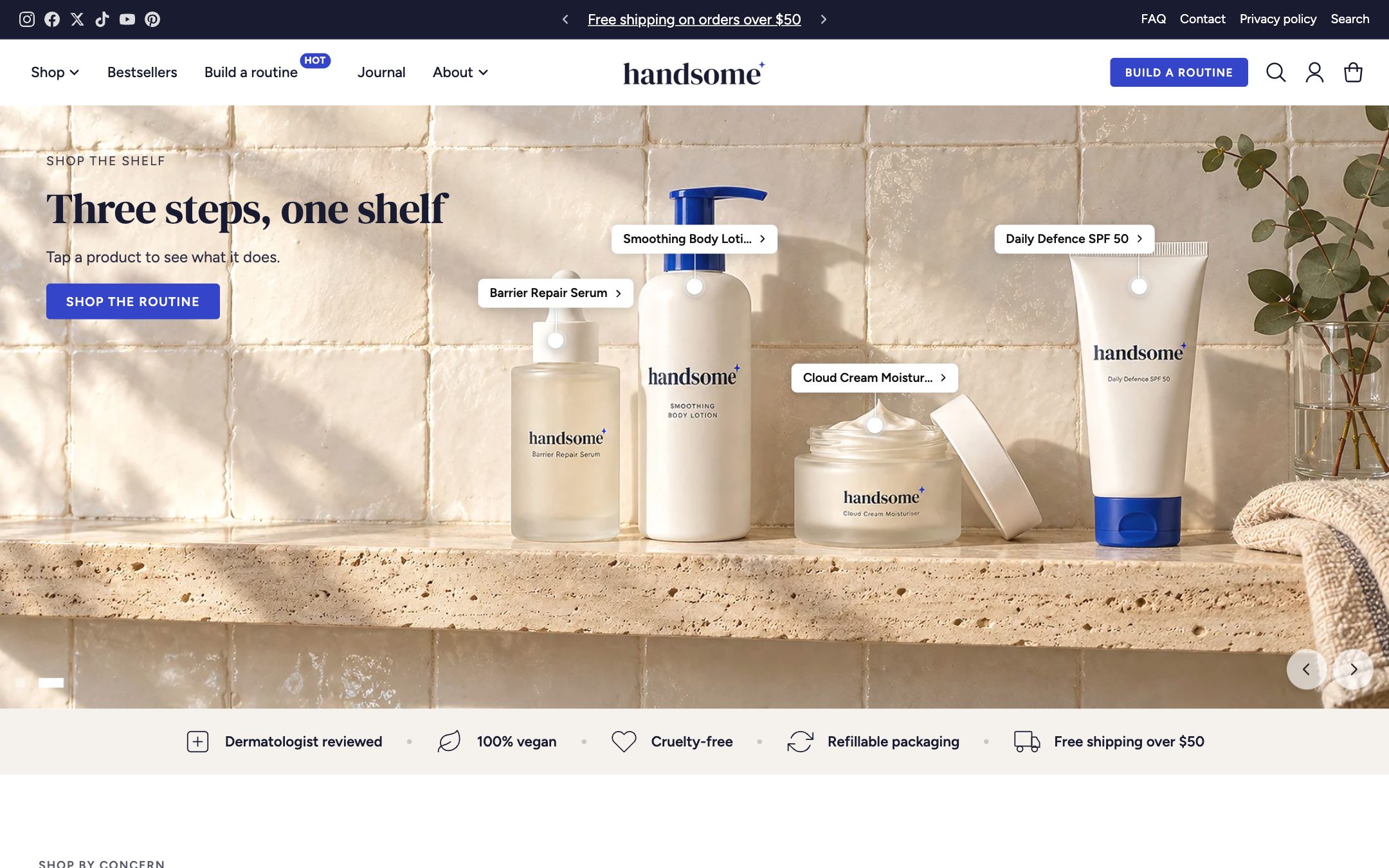
Made for skincare and beauty. Collections each get their own bright colour, and the home page leads shoppers by concern (hydration, glow, calm). The Build a routine page uses the bundle builder to give a discount for buying several steps together, and Video scroll turns short videos into shoppable panels.
Karat
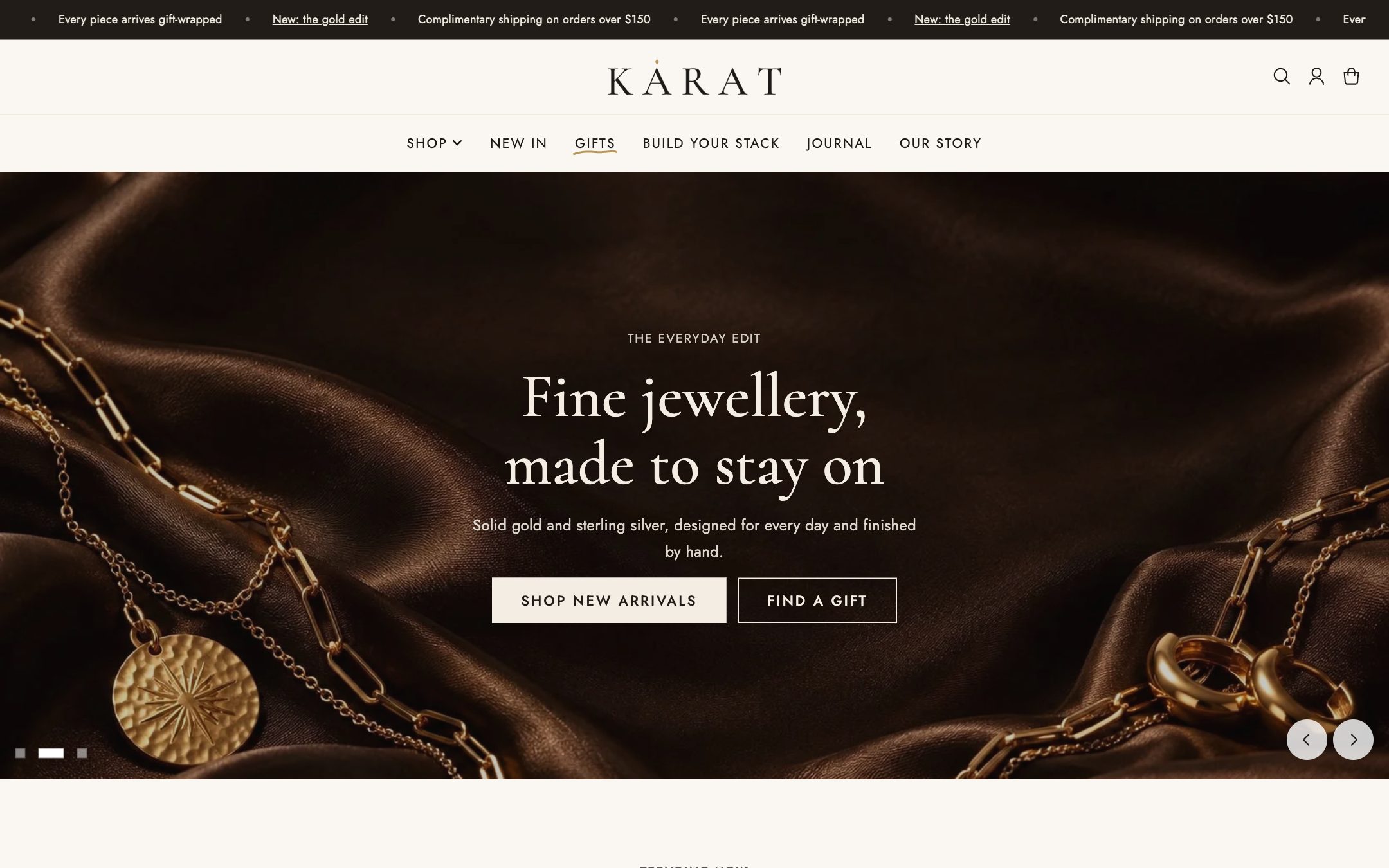
Made for jewellery. Warm neutrals and gold accents, with generous image layouts for close-up product photography. The Hotspot image section lets shoppers buy each piece in a styled photo, and gift collections make seasonal campaigns easy.
Gather
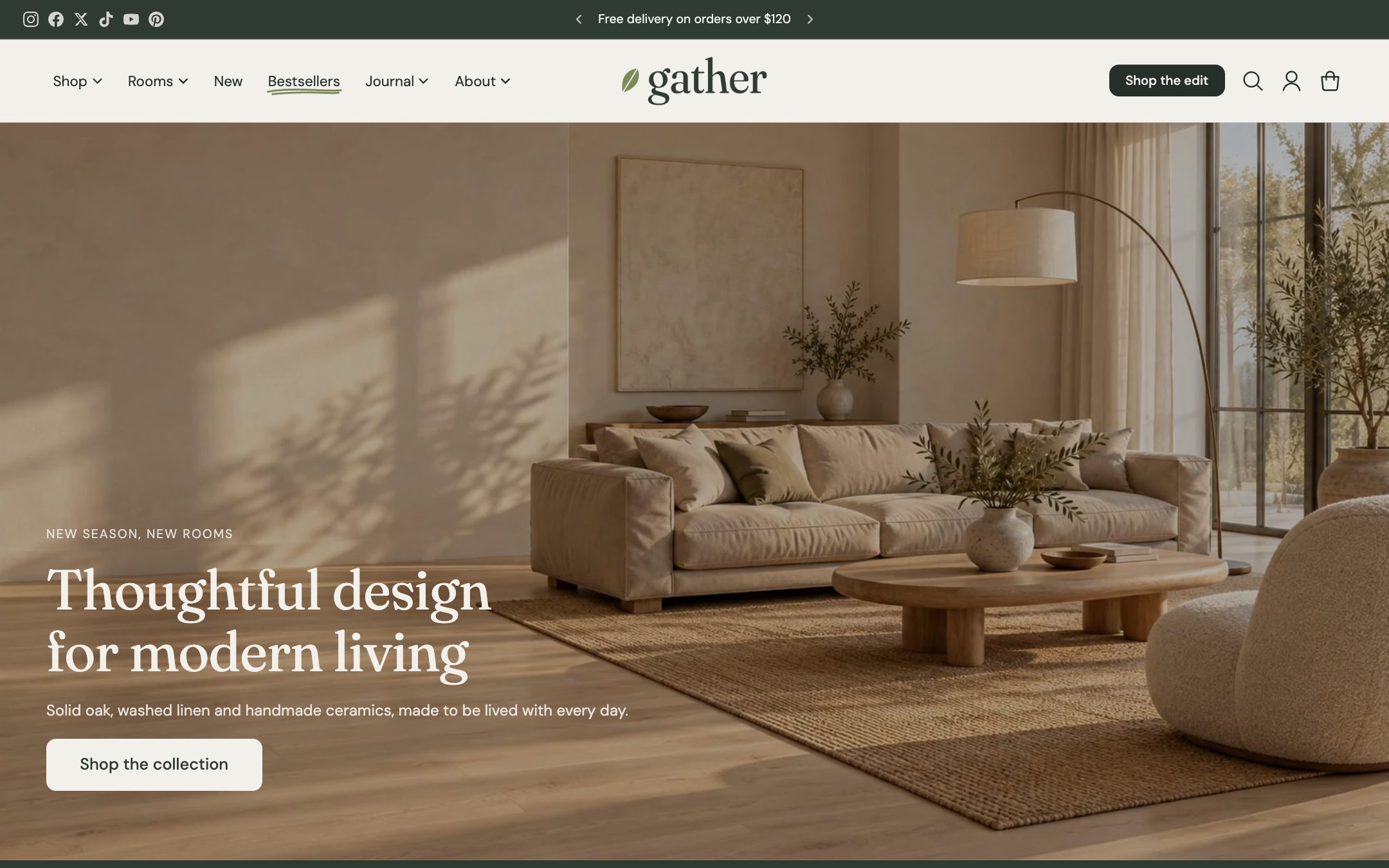
Made for furniture and homeware. The main menu is organised by product type and by room, with large room images inside the mega menu. Collections such as Under $200 and Bestsellers help shoppers find a way in.
Tribe
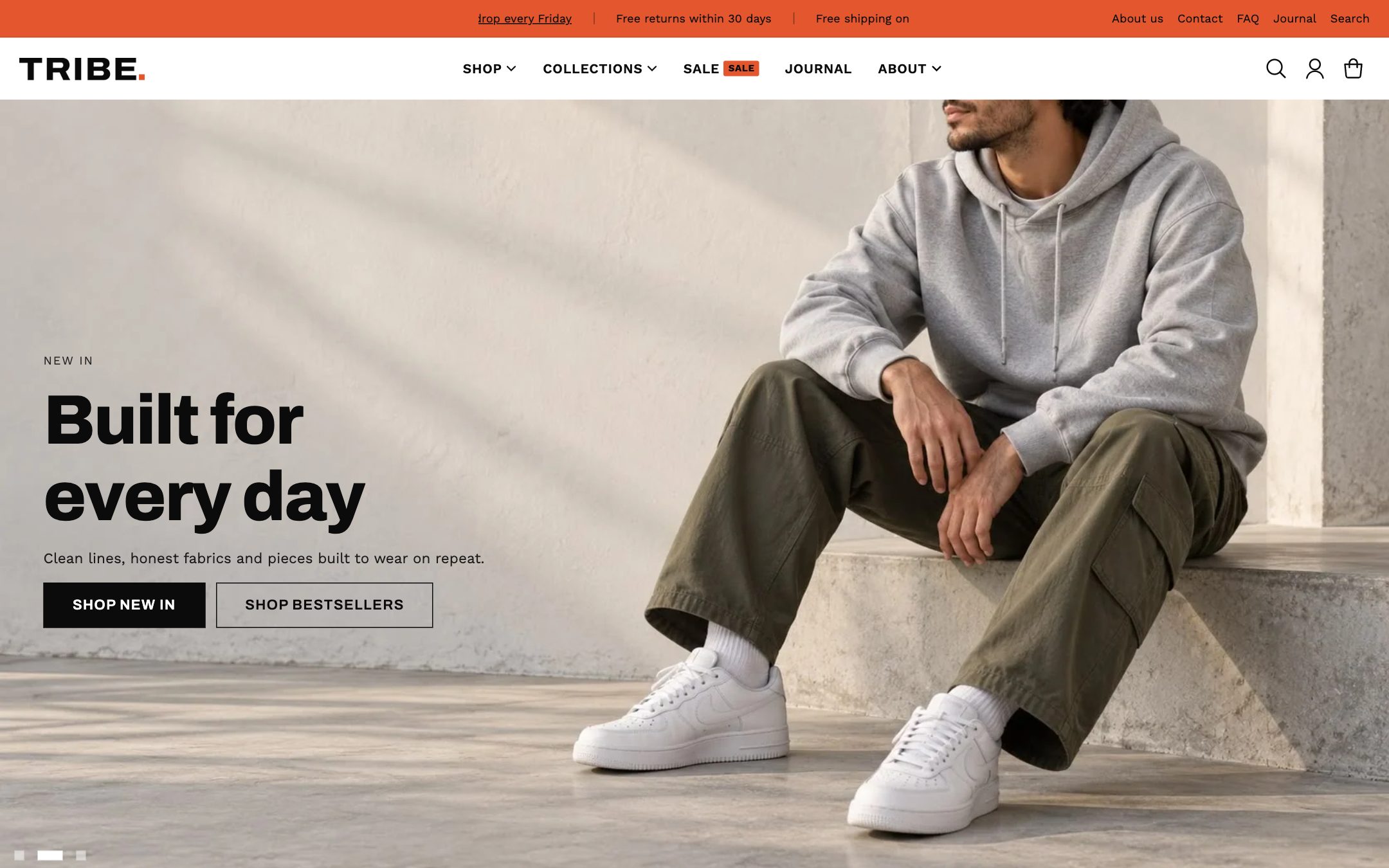
Made for fashion. Bold type, strong contrast and an orange accent. Mega menus show collection images; the collection page has a subcollection bar inside the banner and size and colour filters; and Shop the look sells a whole outfit at once.
Woof
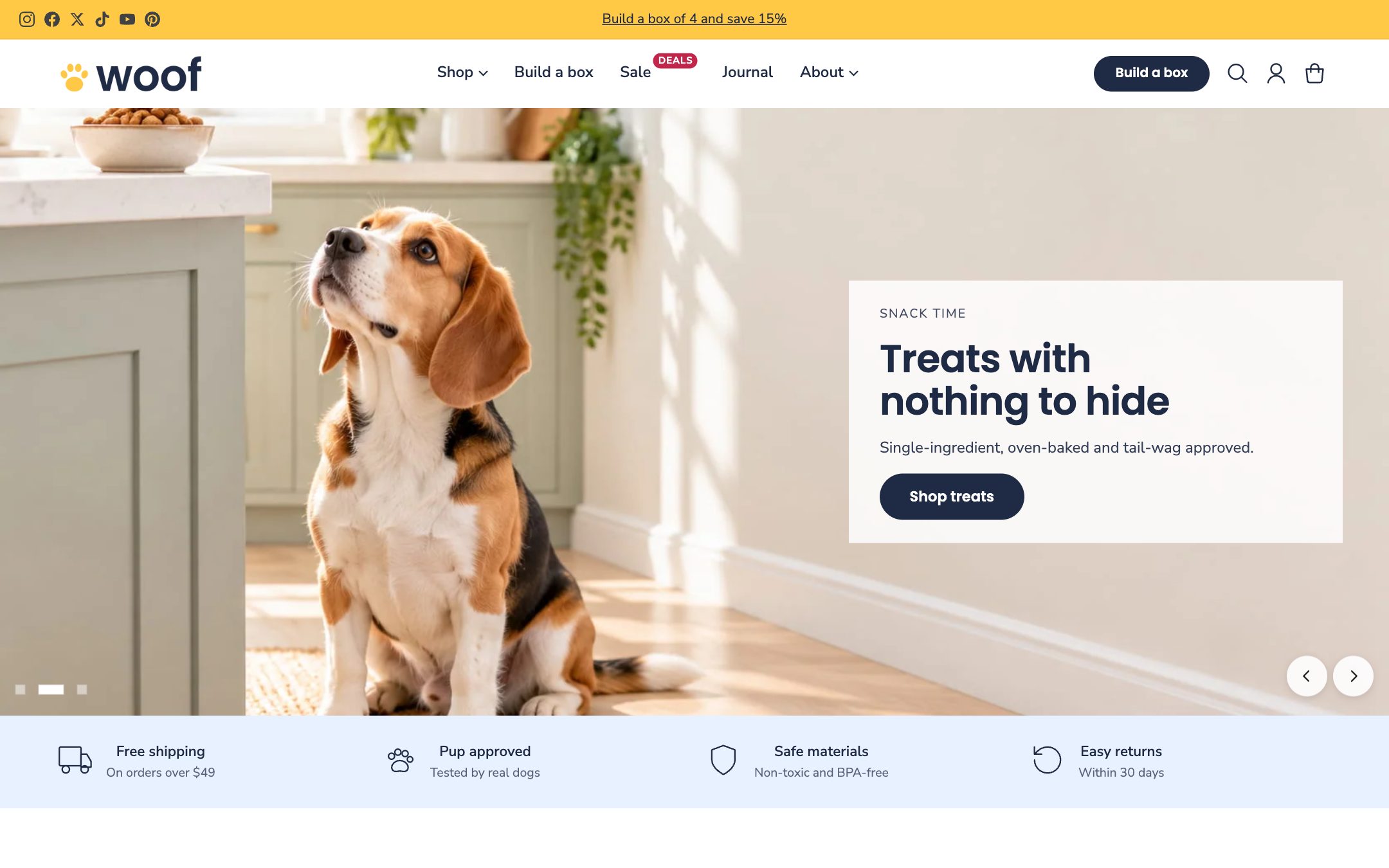
Made for pet supplies. Bright, friendly and easy to shop on a phone. The menu splits products by pet, a Build a box page offers a discount for picking several items, and a Deals badge draws the eye to the sale.
Switching presets later
You can't switch the preset of a theme you've already customised, but you can add Handsome again from the Theme Store with another preset and compare them side by side in your Theme library.